
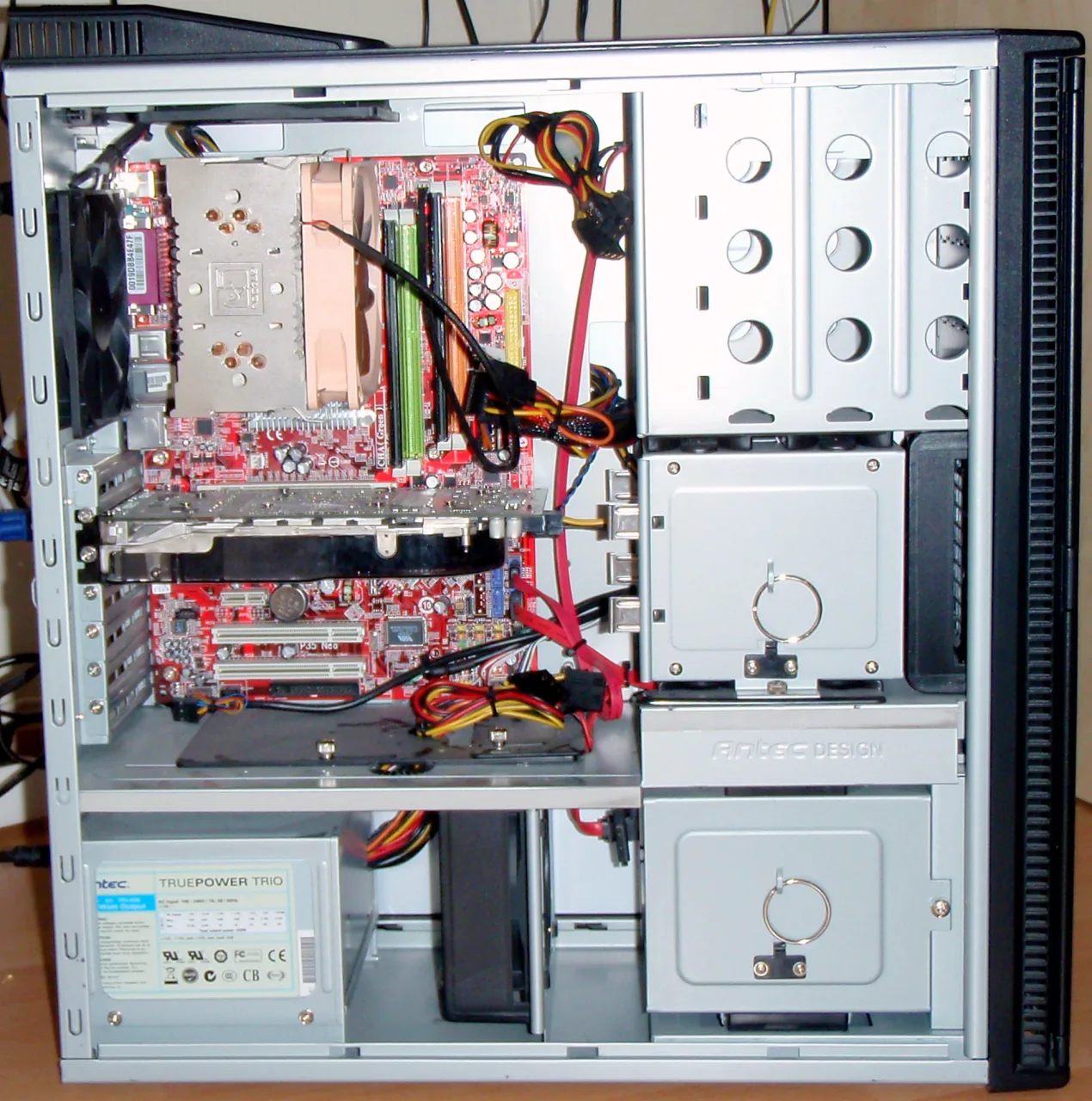
A gaming PC should be chosen for the games and settings you actually want to run, at a budget you can finish, not for a specification sheet that looks complete in a comparison tab. The useful question is which part of the machine will limit frame rate or resolution first, and whether you can upgrade that part later without replacing everything else.
Set the Budget Around the Work the PC Must Do
Write down the resolution you play at, the types of games you buy, and whether you also use the machine for work, creation, or streaming a live session. A competitive esports title at 1080p stresses the system differently than a new single-player game at 1440p or 4K with ray tracing enabled. If the budget is tight, decide which of those targets you will drop before you start shopping, so you do not end up with a mixed build that does none of them well.
Leave a margin for the operating system, storage, and a case with decent airflow. A cart that spends everything on a graphics card and then skimps on power or cooling is a common way to buy a second bill later.
CPU, GPU, and the Real Bottleneck
The graphics card is usually the main cost in a gaming build, because it does most of the work of rendering frames. The processor still matters: it prepares frames, runs game simulations, and handles background tasks such as voice chat and a browser. A very strong GPU with a weak processor can sit idle in games that are CPU-heavy, especially at 1080p. A very strong processor with a modest GPU will be limited by the card as soon as you raise resolution or effects.
Current game system requirements and independent benchmark roundups for the titles you play are more useful than a brand loyalty argument. Compare cards and processors in the same resolution and similar settings. Ignore marketing names that sound like a generation skip unless the measured results agree. Look at more than a single title: a card that leads in one game can trail in another, and CPU-limited tests at 1080p should not be compared as if they were 4K GPU tests.
Memory, Storage, and Power
16 GB of memory is a practical floor for many current games; 32 GB gives more room if you stream, run a lot of background software, or keep large projects open. Use dual-channel configurations as the motherboard expects. For storage, a reasonably fast NVMe drive for the system and a few installed games prevents long load times; a second drive can hold the rest of the library. Capacity is easier to live with than a tiny, full disk. Entry-level combinations can also age faster in demanding titles, which is worth weighing against a slightly higher budget for a balanced CPU and GPU that will remain useful longer.
The power supply should cover the graphics card and processor at load, with headroom for a later GPU swap, and it should be a reliable unit, not the cheapest box that claims the right wattage. Poor power is a frustrating failure mode because it can look like a graphics or stability problem. Case airflow should feed the CPU cooler and the card without blocking exhaust.
Build, Prebuilt, and Upgrade Room
A prebuilt can be a reasonable choice if the parts list is clear, the warranty is real, and the power supply and cooling are not afterthoughts. Look past the advertised purchase price to financing terms, warranty length, and what is excluded. A self-build gives more control over those parts and over later upgrades, at the cost of your time and the risk of a first-time assembly mistake. Either path should leave a free storage slot, a free memory slot or a path to more memory, and a power supply that can accept a stronger card if you plan to upgrade in a year or two.
Upgrade room is only real if the motherboard, case, and power supply can accept the next part. A proprietary layout, a short case, or a barely adequate power unit can force a larger replacement than you expected. Prefer standard parts and check whether the board can take a later processor and whether the power supply still has headroom after a GPU swap. That planning is part of the first purchase, not a problem to solve after the machine feels slow.
Buy the machine you can fully fund, including a monitor that can show the frame rates you are paying for. A high-refresh display will not create frames the GPU cannot produce, and a powerful PC will not look its best on a dim, low-resolution screen. Match the parts, leave room to change the one you will outgrow first, and treat advertised peak settings as a starting point for your own tests, not a promise.
Comments
No approved comments yet. Join the conversation below.